
Life on CAD: Get to Know the Shortcut
Jamal Al Khatib
Ten keyboard shortcuts that will make you faster in any CAD program.
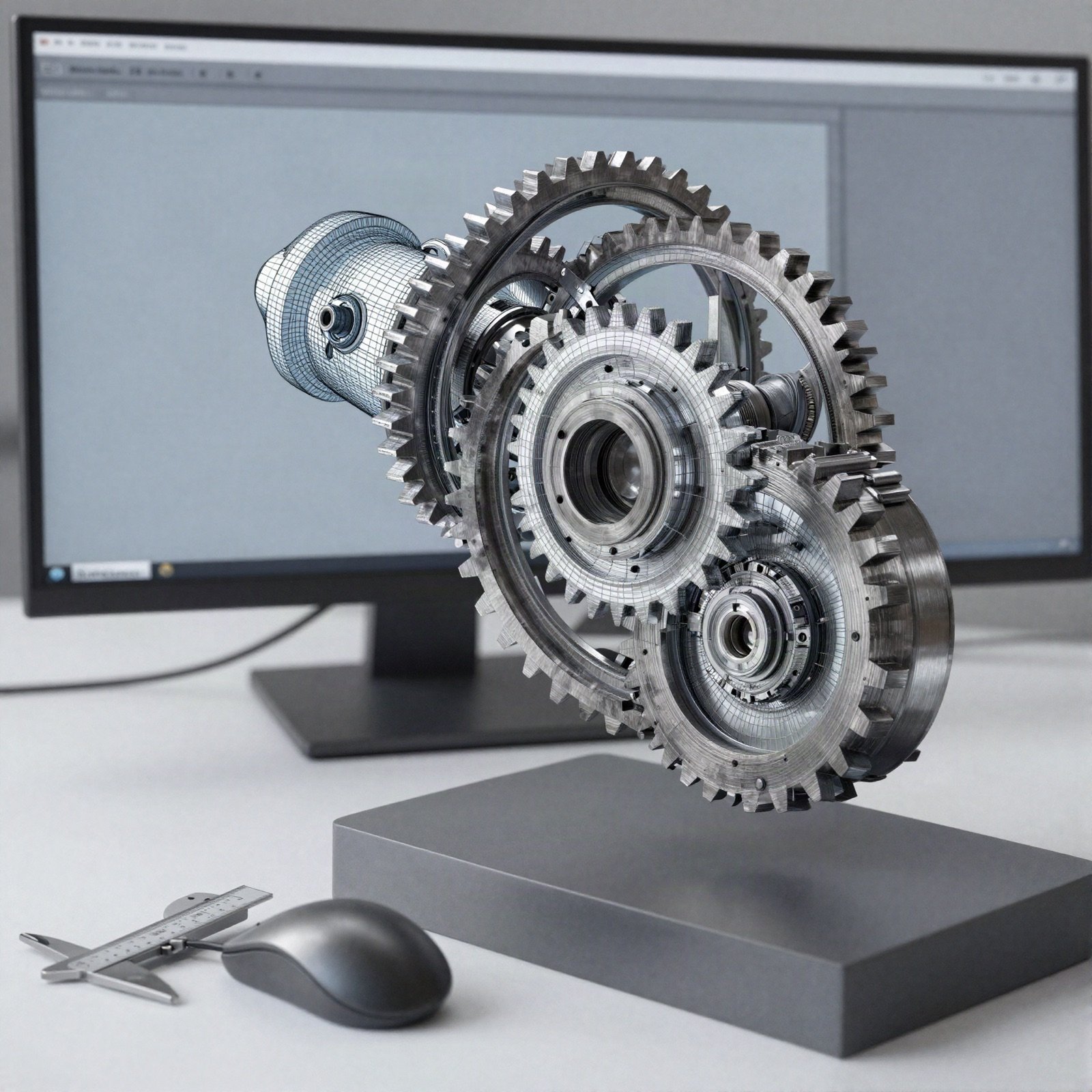
If you spend your days in computer-aided design, keyboard shortcuts are the easiest productivity win.
Learn the commands for move, copy, rotate and trim first, then customise your own for the tools you use most. Most programs let you print a cheat sheet or export your settings to a new computer.
A week of practice is all it takes before reaching for the mouse feels slow.